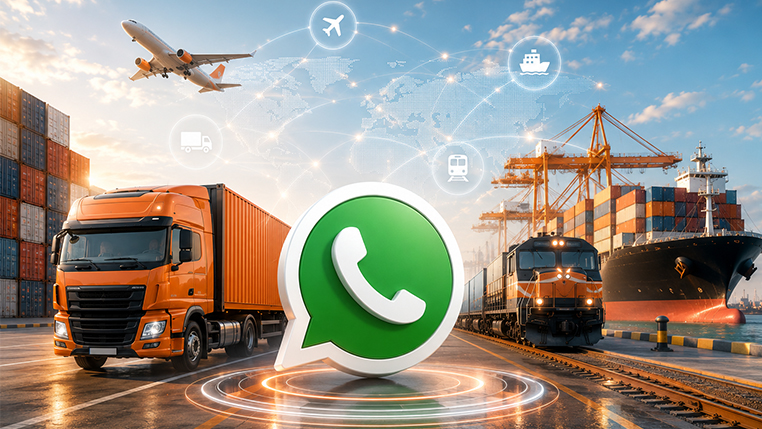
WhatsApp artık sadece bir sohbet uygulaması değil, dünya iletişiminin en önemli omurgalarından biri. 3,3 milyarı aşkın kullanıcısı ve işletme mesajları için %98'lik açılma oranıyla, şirketlerin müşterileriyle bağlantı kurması için en etkili yol haline geldi.
Aynı zamanda, yeni yapay zeka araçları, kullanıcıların form doldurmak veya bağlantılara tıklamak yerine doğrudan yazılımlarla sohbet etmesini mümkün kılıyor. Doğrudan sohbet, artık yazılım sistemlerine veri çekmek veya veri göndermek için uygulanabilir bir seçenek. WhatsApp, burada kullanıcılar ile sistemler arasında önemli bir köprü görevi görecek.
Bu yakınsama, WhatsApp'ı lojistik müşteri hizmetleri için ideal bir platform haline getiriyor. Gönderi takibinden gümrük belgesi indirmeye, fiyat teklifinden hasar taleplerine kadar WhatsApp; daha hızlı, daha şeffaf ve daha maliyet etkin bir iletişim sağlıyor. Üstelik lojistik şirketleri için ek bir iş yükü de yaratmıyor. Mesele, müşteri deneyimini dönüştürmek. Müşteri portalları lojistik müşterileri için iyi çalışıyordu, WhatsApp ise bu deneyimi daha da iyileştirmeyi mümkün kılıyor.
Modaltrans ekibi olarak, birçok kurye hizmetinin WhatsApp'ı müşterileriyle ana iletişim noktası olarak kullanmaya başladığını şimdiden görüyoruz. Amazon'dan bir paketiniz geliyorsa, takip bildirimleri SMS ile değil, WhatsApp üzerinden iletiliyor. Bazı havayolları müşteri hizmetleri için WhatsApp kullanmaya başladı. Hatta Gatwick, Dublin ve Zürih gibi bazı havalimanları da farklı süreçler için WhatsApp'tan yararlanıyor.
Bu nedenle, aynı çözümü Modaltrans'taki iş ortaklarımız için de hayata geçirdik. Mevcut tüm entegrasyonlarımızı entegrasyon sayfamızdan inceleyebilirsiniz.
Bu entegrasyon sayesinde göndericiler, lojistik hizmet sağlayıcılarındaki herhangi biriyle iletişime geçmelerine gerek kalmadan, telefonlarından aşağıdaki işlemleri gerçekleştirebilecekler:
- Kendi gönderilerini, belgelerini ve detaylarını kontrol etme
- Aktif fiyat tekliflerini izleme ve bunları onaylama veya reddetme.
- Lojistik şirket yönetimine hasar talepleri veya notlar gönderme.
- Gümrük beyannamesi durumlarını kontrol etme ve PDF'leri indirme
Bu, entegrasyonun ilk sürümüdür. Zaman içinde geri bildirimlerinize dayanarak daha fazla işlem ekleyeceğiz. Sisteme dahil olma süreci birkaç gün, belki bir hafta sürebilir. Süreç adımları şöyledir:
- Destek ekibimizin Meta Business portalında bir WhatsApp hesabı oluşturması gerekiyor.
- Ardından, WhatsApp hesabınıza eklemek için bir telefon numarasına ihtiyacınız olacak. Bu telefon numarasını çağrı merkezi numaranız gibi düşünün; aktif bir WhatsApp hesabına bağlı olmamalıdır. Bu adımı da yine destek ekibimiz sizin adınıza yürütecek. Sizin sadece telefon numarasını ayarlamanız yeterli.
- Son olarak, destek ekibimiz mesaj şablonlarını hesabınıza kopyalayacak ve onay sürecini yönetecek. Her şablonun WhatsApp yöneticileri tarafından onaylanması gerekmektedir.
Bu adımlardan sonra, bu entegrasyonu kullanmak istediğiniz müşteri kişilerini güncellemeniz gerekiyor. Telefon numaralarını eklemeli ve her kişi için WhatsApp kullanımını bir kez onaylamalısınız. Bunu ağınıza duyurabilmeniz için hızlı LinkedIn gönderileri hazırlayacağız. Başlangıç aşamasında, birkaç iyi tanıdığınız müşteriyle başlamanızı öneririz.
Filo operatörleri için WhatsApp üzerinden sürücü iletişimi çok yakında geliyor. Hazır olduğunda sizi bilgilendireceğiz.